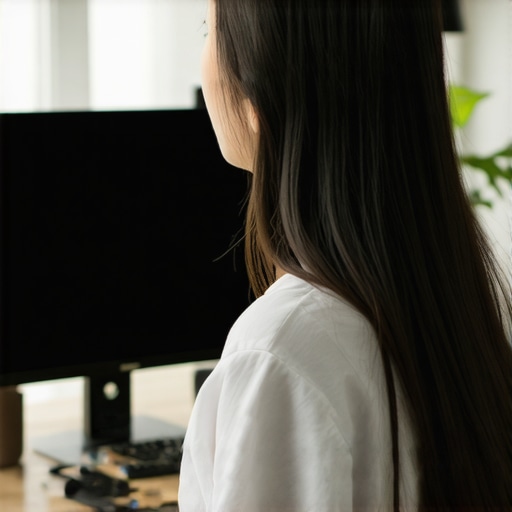
How to Adjust Your Monitor to Avoid Eye and Neck Strain
I used to spend my Tuesday afternoons rubbing the base of my skull, convinced that a permanent “knot” had just moved in for good. I’d lean in closer to my screen, squinting at spreadsheets, while my shoulders crept up toward my ears like they were trying to hide. It wasn’t until I caught my reflection in a window—hunchbacked, chin jutting forward, looking like a gargoyle in a business casual shirt—that I realized I was systematically destroying my posture. I’d made the classic mistake of thinking a more expensive chair would fix everything, but my monitor was still sitting flat on the desk, forcing my head into a constant downward tilt. If you’ve ever felt that burning sensation between your shoulder blades after a long day, you aren’t alone, but you probably are misaligned. Today, we’re going to stop the guesswork and set up your screen so your body can actually relax while you work.
Stop Sacrificing Your Cervical Spine for a Deadline
Most of us treat our monitor placement as an afterthought, but your eyes are the primary drivers of your posture. If your screen is too low, your brain will subconsciously force your neck to flex just to keep the text in focus. I spent years in this “tech neck” trap before I learned about the 30-second reset for tech neck fatigue that actually works. According to the American Optometric Association, nearly 58% of computer users experience symptoms of Computer Vision Syndrome, ranging from dry eyes to significant neck and shoulder discomfort. It’s a staggering number that proves we aren’t built to stare at static glowing boxes for eight hours a day without some serious geometry on our side.
When I first started trying to fix my setup, I made the amateur move of just stacking a few old textbooks under my screen. It helped for a day, but then I realized why your laptop stand is still causing neck strain if you aren’t careful about the keyboard height too. You have to understand that how your eyes are secretly dictating your posture is the key to the whole puzzle. If your gaze isn’t hitting the top third of the screen naturally, your spine is going to pay the price. Have you ever felt that specific “pulling” sensation in your upper traps by noon?
Is a dedicated monitor arm actually worth the hype?
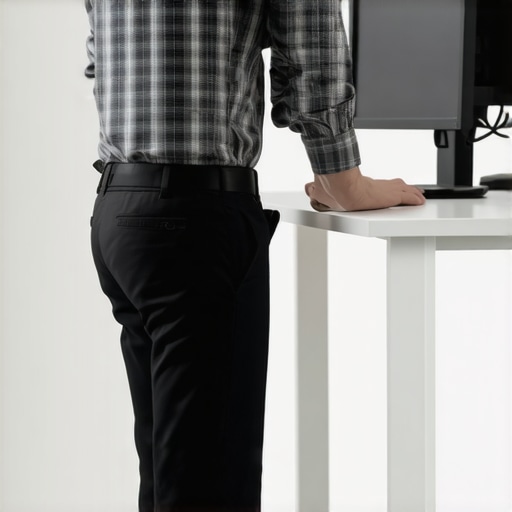
I get it—spending another fifty or sixty bucks on a piece of metal for your desk feels like a “pro-sumer” indulgence you don’t need. But after trying the DIY book-stack method, I realized that fixed height is a trap. You need the ability to micro-adjust. You can perform the 5-second check to see if your monitor is too low right now by closing your eyes, sitting comfortably, and opening them; your eyes should land right on the address bar of your browser. If you find yourself looking down, you’re inviting a lifetime of discomfort. A monitor arm gives you that precision, allowing your cervical spine to maintain its natural curve rather than being stretched like a rubber band. [image_placeholder_1] We are going to look at the exact measurements next, because getting this wrong by even an inch can be the difference between a productive afternoon and a massive headache.
Find the Sweet Spot for Your Eyes and Spine
Setting up your workspace shouldn’t feel like a high-stakes engineering project, but your body treats it like one. Think of your head as a 12-pound bowling ball balanced on a very thin stick—your neck. If that bowling ball leans just two inches forward, it effectively doubles the weight your muscles have to hold up. This is exactly why you need to master the geometry of your desk. To get started, sit back in your chair and let your shoulders drop. Don’t force them down; just let gravity do the work. If you feel a pinch already, you might need to relieve neck back discomfort using these expert methods before you can even sit comfortably.
The Invisible Horizon Rule
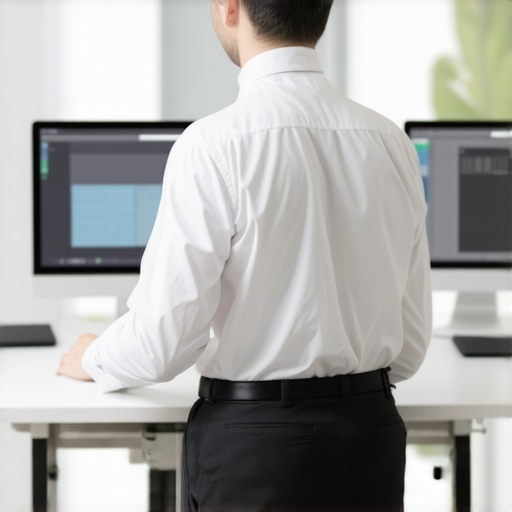
Your eyes naturally want to look slightly downward, about 15 to 20 degrees. However, we often overcompensate by tucking our chins into our chests. The goal is to have the top third of your screen—where the browser tabs and address bar live—directly at eye level. This ensures your “neutral gaze” hits the center of the content you’re actually reading. I remember setting up a brand-new dual monitor array last year; I thought I looked like a NASA flight controller, but within two hours, my upper traps felt like they were on fire because I had the screens too high. I was constantly looking up, which compressed the joints at the base of my skull. It wasn’t until I used the 5-second check to see if your monitor is too low that I realized I was forcing my neck into an extension it couldn’t handle. 
Keep Your Screen at Arm’s Length
Distance is the second half of the equation. If your screen is too far away, you will subconsciously “turtle” your neck forward to see the text. If it’s too close, you’ll experience eye strain that leads to tension headaches. Extend your arm straight out in front of you while sitting back. Your middle finger should just barely touch the glass of your screen. This creates a buffer that respects your focal length and prevents the dreaded forward-head lean. If you’re struggling with space, learning how to set up your home office on a budget can give you creative ways to gain that extra few inches of depth without buying a whole new desk.
Why a Slight Tilt Saves Your Cervical Curve
Don’t leave your monitor perfectly vertical like a wall. Instead, tilt the bottom of the screen slightly toward you, maybe 10 or 20 degrees. This mimics the way we naturally hold a book or a tablet. It reduces glare from overhead lights—which is vital because why your office lighting is causing your neck pain is often overlooked—and it keeps the entire surface of the screen at a more equidistant range from your eyes. When your screen is flat and vertical, the top and bottom are technically different distances from your pupils, forcing your eyes to work harder to refocus. If you start to feel that familiar “pull,” take a moment for the 10-second reset for when your shoulder blades start burning to recalibrate before diving back into your work.
Align Your Keyboard with Your New Reality
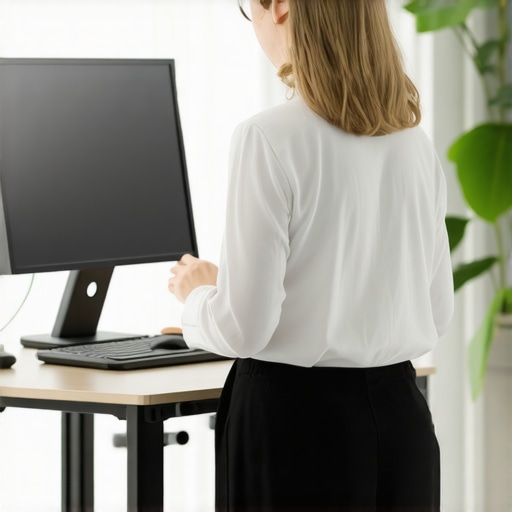
You cannot move the screen without moving your hands. If you’ve raised your monitor but left your keyboard on the desk surface, you’re likely shrugging your shoulders to reach the keys. This creates a massive amount of tension in the levator scapulae muscles. Ensure your elbows are at a 90-degree angle, resting comfortably at your sides. If you’re on a laptop, a separate keyboard is mandatory once the screen is elevated. I’ve seen people try to type on a laptop perched on a stack of books, and it’s a recipe for carpal tunnel and a stiff neck. Use the 10-second stretch for people who type all day to keep your forearms loose while you transition to this new, healthier geometry.
Stop Trying to Sit Like a Stone Monument
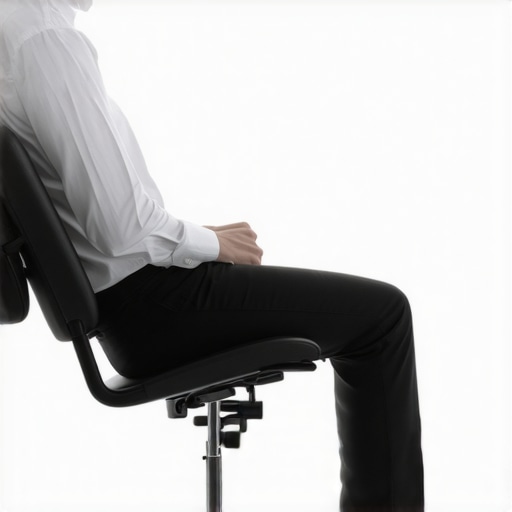
Here is the hard truth that many ergonomics experts won’t tell you: you can have the most expensive monitor arm and a custom-calibrated chair, but if you try to hold a ‘perfect’ position for four hours, you are still going to end up in pain. I see it all the time in the clinic. People come in with military-straight spines, wondering why they feel like they’re made of glass. The reality is that why your perfect posture is actually making you stiff is because your body is designed for variability, not static perfection. We’ve been told for decades to ‘sit up straight,’ but why sit up straight is actually bad advice for some is a conversation we need to have more often.
Can your jaw actually sabotage your cervical spine?
If you have corrected your screen height but still feel a nagging pull at the base of your skull, the culprit might not be your eyes—it might be your teeth. There is a profound neurological loop between your temporomandibular joint (TMJ) and your upper cervical vertebrae. When you stress over a deadline, you likely clench your jaw, which sends a signal to the muscles surrounding your C1 and C2 vertebrae to tighten up in sympathy. I’ve found that the connection between your jaw tension and neck mobility is the ‘missing link’ for most chronic sufferers. A study published in the Journal of Oral Rehabilitation confirmed that mandibular position significantly affects the postural activity of the neck muscles. If you’re grinding your teeth while staring at a perfectly positioned monitor, you’re still fighting a losing battle. 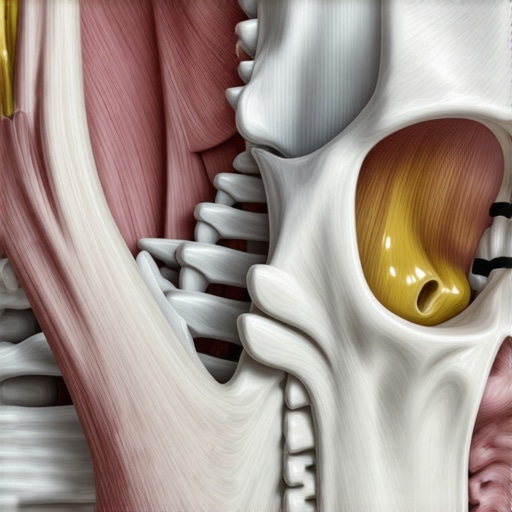
The Core Rigidity Trap You Need to Avoid
Another common mistake I see is the ‘over-braced’ core. We are told to keep our cores tight to protect our backs, but why your strong core might actually be too rigid is a major factor in mid-back pain. When you create a rigid cylinder around your midsection, you lose the ability to breathe into your lower ribs. This lack of expansion forces your accessory breathing muscles—the ones in your neck—to work overtime just to get air in. This leads to a vicious cycle where your neck hurts because your ‘strong’ core is actually preventing your diaphragm from doing its job. Have you ever fallen into this trap? Let me know in the comments.
If you’re trying to fix this at home, be careful with the ‘standard’ advice. For example, many people grab a foam roller when they feel tight, but why your foam roller might be hurting your lower back is something most influencers ignore; rolling the lumbar spine can actually increase instability in the very area you’re trying to ‘fix.’ Instead, focus on boost mobility ease pain chiropractic techniques unveiled that prioritize movement over bracing. Remember, the best posture is your next posture. Move often, breathe deep, and stop trying to be a statue. If you’re still struggling to find that balance between stability and movement, neck back pain solutions insights from wellness experts can help you bridge the gap between a good desk setup and a truly mobile body.
Why My Favorite Timer App Beats Any Ergonomic Chair
I used to think a thousand-dollar chair was the antidote to my desk-bound fatigue, but I’ve learned that the best piece of equipment in my office is actually a free app called Time Out. It doesn’t matter how ‘ergonomic’ your setup is; if you stay in any one position for too long, your tissues will undergo creep—a process where ligaments and tendons begin to deform under constant load. I set my timer for 50 minutes of deep work followed by a 5-minute mandatory movement break. During that break, I don’t just walk to the fridge; I use the 5-minute reset for a stiff lumbar spine to ensure my lower back doesn’t ‘set’ like wet concrete. This isn’t just a personal preference; the ISO 9241 standard for office ergonomics emphasizes that task variety and postural changes are more critical than any single piece of hardware.
How do I maintain these spinal gains over the long haul?
Maintenance is where most people fail because they treat posture like a project with a finish line. You have to treat it like dental hygiene. Beyond the screen height and the distance, I personally swear by the ‘Big Three’ exercises popularized by Dr. Stuart McGill, a world-renowned spine biomechanics expert. These aren’t about getting a six-pack; they are about building endurance in the muscles that keep your vertebrae stacked. If I feel my mid-back tightening up, I won’t just roll around aimlessly; I make sure I am using the proper way to use a foam roller on your upper back to avoid making my rib cage even more rigid. Consistent maintenance means you can restore your back mobility proven chiropractic strategies by simply being proactive rather than reactive.
Looking ahead, I suspect we are moving toward a world of wearable biofeedback. In the next five years, your shirt will likely contain sensors that gently vibrate when your shoulders start to round or when your ‘tech neck’ angle exceeds a safe threshold. We are already seeing the first wave of this with AI-driven posture trackers that use your webcam to monitor your alignment. While it sounds a bit like ‘Big Brother,’ this real-time feedback is the only way to break the subconscious habits we’ve spent decades building. Until then, you have to be your own sensor. I recommend checking unlock neck pain relief essential chiropractic tips for 2025 to see how these tech integrations are already changing the way we handle chronic discomfort.
The One Tool That Actually Changed My Life
If you buy nothing else, get a high-quality monitor arm. Not because it looks cool, but because it allows you to change the height and depth of your screen as your fatigue levels change throughout the day. In the morning, I might sit higher and more alert, but by 3:00 PM, I tend to lean back more. Having an arm that can move with me prevents me from ‘reaching’ for the screen with my chin. If you’re on a budget, don’t worry—how to set up your home office on a budget covers the DIY hacks that work just as well as the high-end gear. My challenge to you today: download a break timer right now and commit to just one movement reset every hour. Your spine will thank you by the time the weekend rolls around.
Everything I Wish I Knew Before the Shoulder Blade Burn Started
Reflecting on my journey from chronic stiffness to mobility, I realized that the hardest lesson wasn’t about the hardware; it was about internal awareness. I used to ignore the subtle signals—the slight warmth in my traps or the way my breath became shallow. Now, I understand the hidden link between neck pain and spinal health isn’t just about how you sit, but how you perceive your body’s distress signals. I also learned that why your neck clicks when you turn your head to the left is often the result of months of repetitive micro-trauma from a screen that is off-center by just two inches. [image_placeholder_E]
The Toolkit for a Pain-Free Digital Life
If you want to move beyond basic setups, I highly recommend investing in three specific areas. First, a high-quality gas-spring monitor arm; it is the only way to adapt your screen to your energy levels throughout the day. Second, an external mechanical keyboard to keep your hands at desk level while your eyes stay up. Finally, check out boost your back health simple yet effective chiropractic hacks for daily movement patterns that counteract the sitting. I personally trust the Stuart McGill method for core stability and follow effective neck pain management a step-by-step guide whenever I feel a flare-up coming on. These resources move the needle because they prioritize biology over simple furniture.
Your Spine Deserves a Better Workday
Changing your environment is the first step toward a future where you don’t end every Tuesday with a headache. It takes about 21 days to overwrite the “turtle neck” habit, but the clarity and energy you gain are worth the initial effort. By implementing these changes, you are actively unlocking neck pain relief expert tips for lasting comfort that will serve you for decades. Don’t wait for a major injury to start caring for your alignment. Have you ever tried the arm’s length test only to realize your monitor was way too far away? Let me know in the comments below!